How to Check E-Challan on Mobile in Pakistan 2026 – The Complete 2026 Guide
Introduction: The Era of Digital Traffic Enforcement
It is 2026. The days of arguing with a traffic warden on the side of the road are largely over. Today, the “eye” of the law is silent, digital, and everywhere.
Pakistan has undergone a massive digital transformation regarding traffic rules. From the bustling streets of Lahore and the wide avenues of Islamabad to the busy arteries of Karachi, the E-Challan (Electronic Traffic Fine) system is now the standard.
But here is the catch: You might have a fine and not even know it.
Since physical tickets are rarely handed out anymore, thousands of drivers in Pakistan are driving around with pending fines. These “hidden” challans can cause massive headaches when you try to sell your car, pay your token tax, or renew your license.
The good news? You don’t need to visit a police station or wait in long lines. You can verify your status in seconds using your smartphone.
In this guide, we will walk you through exactly how to check E-Challan on mobile in Pakistan, how to pay it instantly, and why keeping your record clean is more important this year than ever before.
What is an E-Challan? (And Why You Can’t Ignore It)
Before we jump into the “how-to,” let’s understand the “what.”
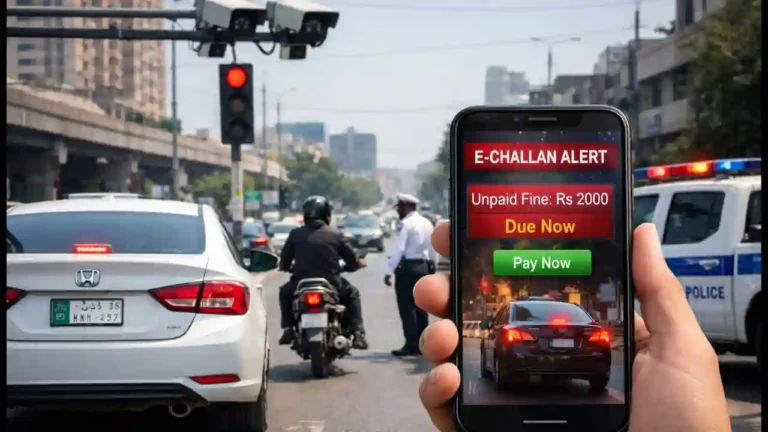
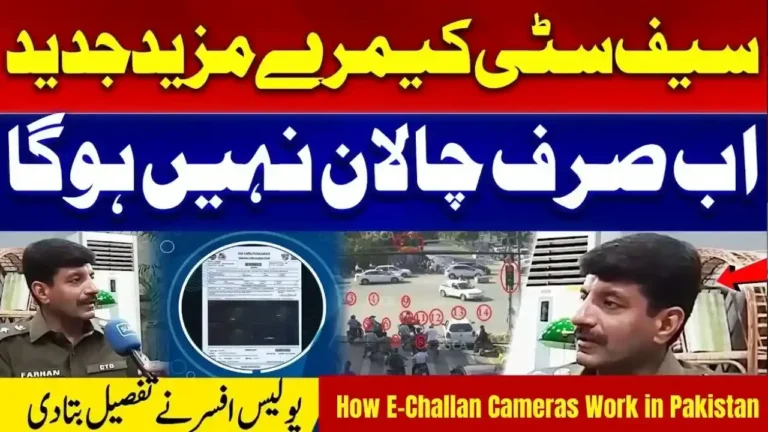
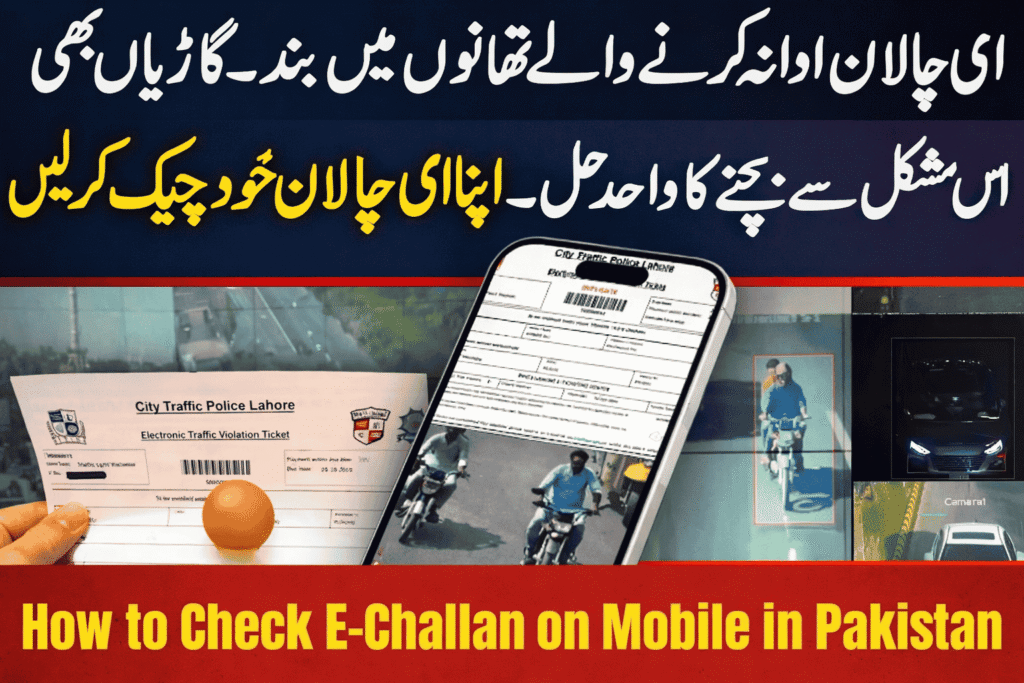
An E-Challan is an automated fine generated by ANPR (Automatic Number Plate Recognition) cameras. These high-tech cameras are installed across major cities in Punjab, Sindh, and the Capital Territory.
How it works in 2026:
- The Violation: You cross a red light, overspeed, or switch lanes without an indicator.
- The Capture: The CCTV camera captures a high-resolution image of your vehicle and zooms in on the number plate.
- The Log: The system links the violation to your vehicle’s registration number and CNIC.
- The Record: The fine is uploaded to the central database immediately.
In the past, you could ignore a paper slip. In 2026, unpaid E-Challans are linked to your vehicle’s file. If you have pending fines, you cannot transfer vehicle ownership or pay your annual Token Tax until they are cleared.
How to Check E-Challan on Mobile: The Step-by-Step Method
Checking your fine status is incredibly simple. You do not need a laptop or a special login. All you need is your smartphone and your vehicle registration number.
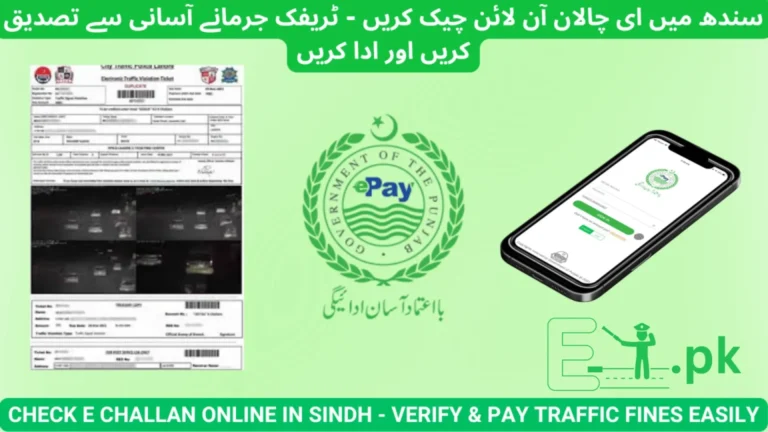
For the most accurate, up-to-date, and user-friendly verification, we recommend using the dedicated portal.
The Best Way to Check: Via echallan-psca.pk
This is the most reliable method to verify if your vehicle has been flagged by the cameras.
Follow these simple steps:
- Open Your Browser: Launch Google Chrome, Safari, or any browser on your mobile.
- Visit the Portal: Type in echallan-psca.pk in the address bar.
- Enter Vehicle Details: You will see a search box. Enter your Vehicle Registration Number (e.g., LE-1234 or LEA-20-1234). Tip: Make sure to enter the alphanumeric code correctly without unnecessary spaces.
- Security Check: Enter your CNIC number if prompted (this helps in verifying that the vehicle belongs to you) and complete the simple captcha verification.
- View Status: Click “Search.” The system will instantly pull up your record.
- If Green: Congratulations! You have no pending fines.
- If Red: You will see a list of unpaid challans, including the date, time, location, and the specific violation.
Pro Tip: Take a screenshot of the challan details. You will need the “Challan ID” to make the payment via banking apps.
Top 3 Payment Methods: Pay From Your Couch
Found a fine? Don’t panic. You don’t need to go to the National Bank anymore. In 2026, payment is 100% digital.
Here is how you can pay your E-Challan using the most popular mobile wallets in Pakistan.
Method 1: Paying via JazzCash
JazzCash is one of the fastest ways to clear your dues.
- Open the JazzCash App on your mobile.
- Log in and look for the search bar at the top.
- Type “Traffic Challan” or scroll down to the “Government Payments” section.
- Select your region (e.g., Punjab Traffic Challan).
- Enter the Challan ID (which you got from
echallan-psca.pk). - The app will fetch the amount automatically.
- Enter your MPIN to confirm. Result: You will get an instant digital receipt. Save this!
Method 2: Paying via Easypaisa
Easypaisa follows a very similar process.
- Open the Easypaisa App.
- Tap on “More” (the three dots icon).
- Scroll down to “Government Fees”.
- Select “Traffic Challan”.
- Choose your specific department (e.g., Punjab Traffic Police).
- Enter the Challan ID.
- Tap “Pay Now.”
- Method 3: Paying via ePay Punjab
If you are in Punjab, this is the official government app and updates the status the fastest.
- Download the ePay Punjab app.
- Select “Traffic Challan”.
- Enter your Vehicle Number directly (sometimes you don’t even need the Challan ID here).
- Pay using your linked bank account or card.
common Violations You Might Not Notice
Many drivers are surprised when they check echallan-psca.pk and find a fine. “But I didn’t crash!” they say.
In 2026, the cameras are sensitive. Here are the most common reasons for E-Challans that you might be ignoring:
- The “Stop Line” Error: Stopping your car on the zebra crossing at a red light is a violation. You must stop behind the white line.
- Lane Discipline: Driving a slow vehicle in the fast lane (extreme right) or straddling the white divider line triggers the camera.
- Double Banking: Dropping someone off by parking parallel to another parked car is an instant fine in busy markets.
- Seatbelt (Passenger): Yes, the cameras can now detect if the person in the front passenger seat is not wearing a belt.
Troubleshooting: Why Can’t I See My Challan?
Sometimes, you might know you committed a violation, but echallan-psca.pk shows no record. Here is why:
- The “24-Hour” Lag: Even digital systems take time. It usually takes 24 to 48 hours for a new violation to be verified by a human officer and uploaded to the portal.
- Typo Errors: Did you type
LEA 123instead ofLEA-123? Format matters. Try different variations of your number plate. - Old Ownership: If you bought a used car and didn’t transfer it, the challan might be registered under the previous owner’s CNIC.
- System Maintenance: Occasionally, the central servers go down for maintenance, usually late at night. Try again in the morning.
Why You Must Check Regularly (The “Hidden” Dangers)
Why should you bother checking if you haven’t received an SMS?
1. The “Multiplier” Effect: In 2026, repeat offenses carry heavier fines. If you have an unpaid fine for overspeeding and you get caught again, the system treats you as a habitual offender, and the fine amount increases significantly.
2. The Sale Block: Planning to sell your car? The buyer will likely check echallan-psca.pk before handing over the cash. If they see pending fines, the deal could fall through, or you will have to pay them on the spot in a panic.
3. No Token Tax: You cannot pay your annual vehicle token tax if there is a pending traffic fine in the system. The portal will simply block your tax payment until the fine is cleared.
Frequently Asked Questions (FAQs)
Q: Can I check my E-Challan by Name or CNIC only? A: While some apps allow CNIC search, the most accurate way is via the Vehicle Registration Number. Using the number plate ensures you are seeing fines for that specific car.
Q: I lost my Challan ID. How do I pay? A: Simply visit echallan-psca.pk again, enter your vehicle number, and the system will show you the Challan ID again. You can write it down and use it for JazzCash/Easypaisa.
Q: Is this system valid for Motorcycles? A: Absolutely. Motorcyclists are actually fined more often (for helmet violations) than car drivers. The process to check is exactly the same.
Q: What if the photo isn’t my car? A: If you check the portal and see a photo of a different car with your number plate (or a cloned plate), you must file a complaint with the Traffic Police immediately to avoid legal liability.
Conclusion
The transition to a digital traffic system is a win for Pakistan. It brings transparency, reduces corruption, and makes our roads safer. However, it also demands that we, as responsible citizens, stay informed.
Don’t wait for a nasty surprise during a police stop or when trying to sell your car.
Take action now: Pick up your mobile, visit echallan-psca.pk, and verify your vehicle’s status today. A few seconds of checking now can save you from heavy penalties later.
Drive Safe, Stay Legal, and Check Your Status!