Pay E-Challan Online in Punjab | Easypaisa, JazzCash & Banking Guide 2026
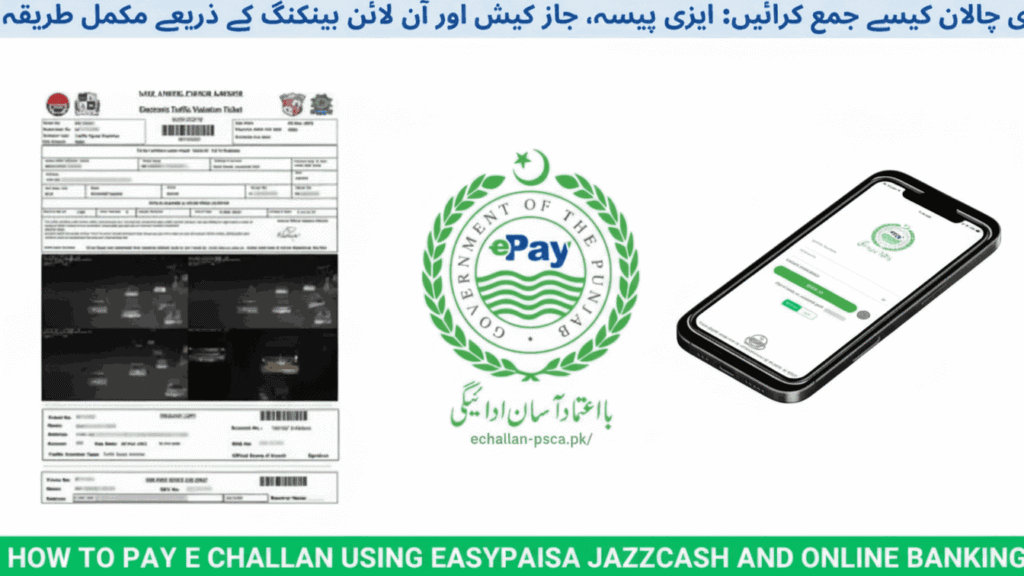
Standing in long queues at traffic police offices or dealing with bank counters just to pay a traffic fine feels outdated in 2026. Punjab Safe Cities Authority has revolutionized how drivers handle traffic violations by introducing multiple digital payment channels that work instantly from your phone. Whether you prefer mobile wallets or traditional banking apps, clearing your challan now takes less time than brewing your morning tea.
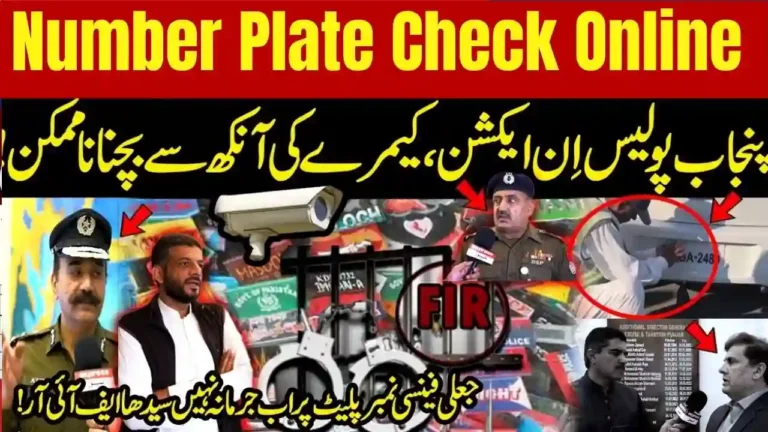
The digital transformation of traffic fine management has made life significantly easier for vehicle owners across Punjab. If you need to verify your pending violations first, you can quickly check PSCA e-challan Punjab status online before proceeding with payment. This guide covers every payment method available in 2026, helping you choose the fastest option that suits your preference.
Understanding Punjab E-Challan System
Punjab’s electronic challan system operates through smart cameras installed by PSCA across major cities. These cameras use Automatic Number Plate Recognition technology to capture traffic violations in real time. When your vehicle breaks a traffic rule, the system automatically generates a digital fine linked to your registration number.
The violation details get immediately uploaded to the central database maintained by Punjab Safe Cities Authority and Excise Department. Within hours, you receive notifications through multiple channels including SMS from 8815, WhatsApp messages, and sometimes physical courier delivery to your registered address.
How PSCA Issues Digital Fines
| Violation Category | Detection Method | Penalty Range |
|---|---|---|
| Over-speeding | Speed monitoring cameras | Rs. 1,000 – Rs. 5,000 |
| Red light jumping | Signal cameras | Rs. 1,500 – Rs. 3,000 |
| Wrong-way driving | ANPR cameras | Rs. 1,000 – Rs. 2,000 |
| Lane violations | Traffic monitoring | Rs. 500 – Rs. 1,500 |
| Illegal parking | Smart cameras | Rs. 500 – Rs. 1,000 |
The system tracks violations across Lahore, Rawalpindi, Multan, Faisalabad, and other major cities. Each challan includes complete details like violation date, exact location, camera snapshot, and the specific traffic law you violated.
Complete Easypaisa Payment Process
Easypaisa remains the most popular payment method due to its widespread availability and instant processing. Here’s how to clear your fine through Easypaisa in 2026:
Launch the Easypaisa mobile app and log into your account using your PIN or biometric authentication. Navigate to the Bill Payments section from the main menu. Look for Traffic Challan option and select Punjab E-Challan or PSCA from the list of available services.
Enter your complete vehicle registration number exactly as it appears on your number plate. The system accepts formats like LEA-1234, RIA-5678, or any valid Punjab registration. Make sure you include dashes and spaces correctly to avoid search errors.
The app displays all pending challans linked to your vehicle including violation details and fine amounts. Review each challan carefully before proceeding. Select the challans you want to pay and tap the Pay Now button. Confirm the total amount and complete the transaction using your Easypaisa wallet balance or linked bank account.
You’ll receive instant confirmation messages from both Easypaisa and the official PSCA number 8815. Save the transaction receipt by taking a screenshot or downloading the PDF confirmation. For residents of Lahore dealing with local traffic fines, you can also specifically verify e-challan Lahore records through city-specific portals for additional verification.
JazzCash Payment Method Explained
JazzCash offers equally convenient payment options through both their mobile app and physical retail network. Open the JazzCash app and sign in to your mobile account. From the home screen, select Government Payments or Bill Payments depending on your app version.
Choose Traffic Challan Payment from the government services list. Select Punjab Safe Cities Authority (PSCA) as the payment authority. You’ll need to enter either your vehicle registration number or the PSID (Payment Slip ID) printed on your challan.
The system fetches all unpaid violations associated with your vehicle. Double-check the violation details including location and date to ensure accuracy. Confirm the payment and authorize the transaction through your JazzCash account. The payment processes instantly and you receive confirmation receipts immediately.
Alternative Method: Visit any JazzCash retail shop near you. Provide the agent with your vehicle registration number or PSID. The agent processes the payment and hands you a physical receipt. This method works perfectly if you don’t have a smartphone or prefer in-person transactions.
Bank App Payment Options
Major Pakistani banks have integrated PSCA challan payments into their mobile banking apps. The process remains similar across different banks with minor interface variations.
Using Banking Apps
Log into your bank’s mobile application using your credentials. Navigate to the Bill Payments or e-Services section. Look for Traffic Challan, E-Challan, or Punjab Safe Cities options under government payments.
| Bank | App Name | Processing Time |
|---|---|---|
| Meezan Bank | Meezan Mobile | Instant |
| HBL | HBL Konnect | Instant |
| UBL | UBL Digital | Within 2 hours |
| MCB | MCB Mobile | Instant |
| Allied Bank | Allied Mobile | Within 1 hour |
| NBP | NBP Digital | 24 hours |
Enter your vehicle number when prompted. The system displays all outstanding fines with complete details. Select the challans you want to clear and proceed to payment. The amount gets deducted from your linked bank account and you receive digital confirmation.
ATM Payment Process
If you prefer ATM payments, insert your debit card at any 1-Link enabled machine. Select Bill Payment from the main menu. Choose Traffic Challan and then Punjab E-Challan or PSCA. Enter your vehicle registration number using the keypad. Review the displayed challan information and confirm payment. The ATM prints a receipt which serves as your payment proof.
Understanding PSID Numbers
PSID stands for Payment Slip ID and serves as a unique identifier for each challan. You’ll find this number on printed challans, SMS notifications from 8815, WhatsApp messages, and the official PSCA portal. Using PSID instead of vehicle number speeds up the payment process and reduces errors.
Verifying Payment Status
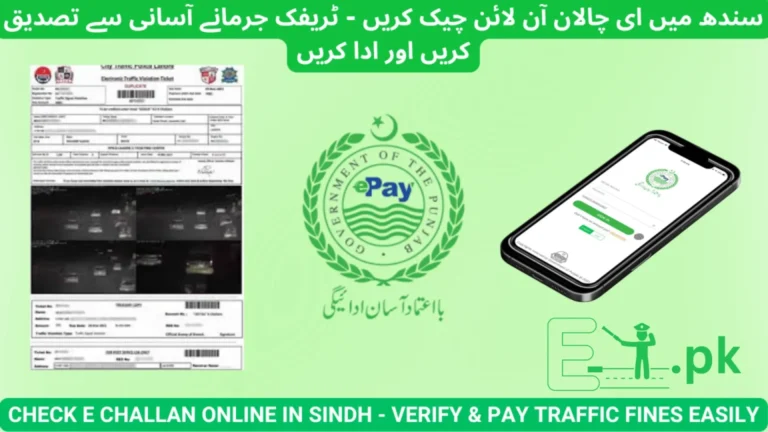
After completing payment through any channel, verification ensures the transaction updated correctly in the government system. Visit the official portal at echallan.psca.gop.pk or e-challan.pk. Enter your vehicle registration number in the search box and click verify.
If the system shows no pending challans, your payment cleared successfully. Sometimes database updates take a few hours, especially during high-traffic periods. If your challan still appears unpaid after 24 hours despite having a payment receipt, contact PSCA helpline at 15 with your transaction details.
Keep your payment receipt saved on your phone or printed for at least six months. Traffic police officers conducting random checks may request payment verification. Your receipt serves as immediate proof even if the system hasn’t updated yet.
Troubleshooting Common Payment Problems
Payment Not Reflecting: System synchronization delays happen occasionally. Wait 24 hours and check again. If the issue persists, call PSCA helpline 15 or CTPL at 042-99204619 with your receipt.
Wrong Vehicle Number Error: Double-check your registration number format. Include all dashes, spaces, and letters exactly as shown on your number plate. LEA 1234 is different from LEA-1234 in the system.
Duplicate Challan Showing: Sometimes the same violation appears twice due to system glitches. Don’t pay twice. Contact the helpline immediately with both challan numbers and your vehicle details.
Transaction Failed But Amount Deducted: Banking apps sometimes show failed transactions while the amount gets debited. Check your bank statement after a few hours. If money was deducted, the challan should clear automatically. If not, contact both your bank and PSCA with transaction proof.
Safety Guidelines for Digital Payments
Always use official PSCA portals and verified mobile apps. Avoid clicking links from unknown SMS or WhatsApp numbers claiming to be traffic police. Never share your mobile wallet PIN, bank passwords, or OTP codes with anyone, even if they claim to be from PSCA.
Ignore offers from individuals promising to delete challans for money. Such services are illegal and fraudulent. The only legitimate way to clear challans is through official payment channels. Stay informed about the latest traffic regulations and challan procedures through PSCA updated news sections that cover policy changes and new initiatives.
Frequently Asked Questions
Can someone else pay my challan using their account?
Yes, anyone can pay your challan by entering your vehicle registration number or PSID. Ownership doesn’t matter for payment processing.
Are there extra charges for digital payments?
Most mobile wallets process challan payments without additional fees. Some banks might charge minimal transaction fees depending on their policies.
How quickly does payment status update?
Mobile wallet payments update instantly in most cases. Bank transfers can take 2 to 24 hours depending on the bank and time of transaction.
What if I accidentally paid the wrong challan?
Contact PSCA helpline 15 immediately with your payment receipt and vehicle details. They can investigate and help resolve mismatched payments.
Can I pay multiple challans in one transaction?
Yes, most payment platforms allow you to select and pay all pending challans together in a single transaction for convenience.
Is physical receipt mandatory after digital payment?
Digital receipts are legally valid. However, keeping a screenshot or downloaded PDF helps during roadside verification until the system updates completely.
Final Thoughts
Punjab’s digital challan payment system has eliminated the hassles of traditional fine clearance methods. Whether you choose Easypaisa, JazzCash, or bank apps, the process takes minutes and works from anywhere. Always verify your payment status on official portals, maintain digital receipts for verification, and follow traffic rules to avoid future violations. The convenience of instant payments should encourage compliance rather than careless driving.